Need to Delete your account? Follow these steps to permanently remove your employee profile and associated data from the CallOS system.
Settings
Profile
Delete
Confirm
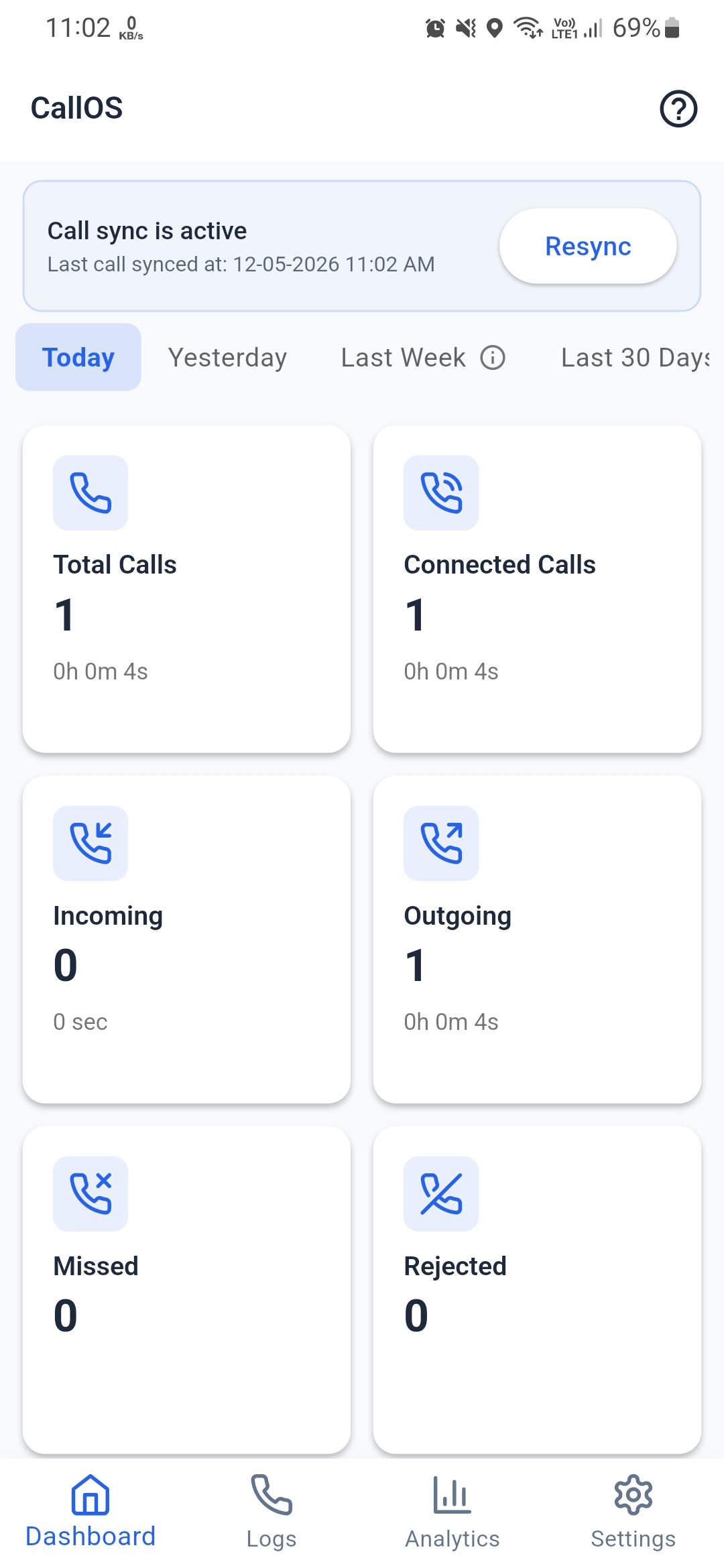
1. Go to Settings
Open the CallOS app. Locate the navigation bar at the bottom of the screen and tap on the Settings icon (gear symbol) in the bottom-right corner.
Navigation
Ensure you are logged into the app
Look at the bottom navigation bar
Tap "Settings" (last icon on the right)
2. Identify Your Account
On the Settings page, you will see your profile information including your Name, Email, and Company Code. Verify this is the account you wish to delete.
Verification
Confirm your Name and Employee role
Verify your Company Code
Scroll down past the SIM Configuration section
3. Locate Delete Option
Continue scrolling to the very bottom of the Settings screen. Locate the button labeled "Delete Account" with the trash can icon, located just above the Sign Out button.
Action
Scroll to the bottom of the page
Tap the white "Delete Account" button
4. Confirm Permanent Deletion
A final warning pop-up will appear. This action is permanent and cannot be undone. All your call logs and analytics will be erased.